• Servicii
  • Evenimente de viață
Meniu

Your signature – access to your digital identity

Available from the age of 18, you can use your electronic signature to sign digital documents, access your personal information, use online public services, and manage your business securely.
Background Image

What is an electronic signature?

Preview
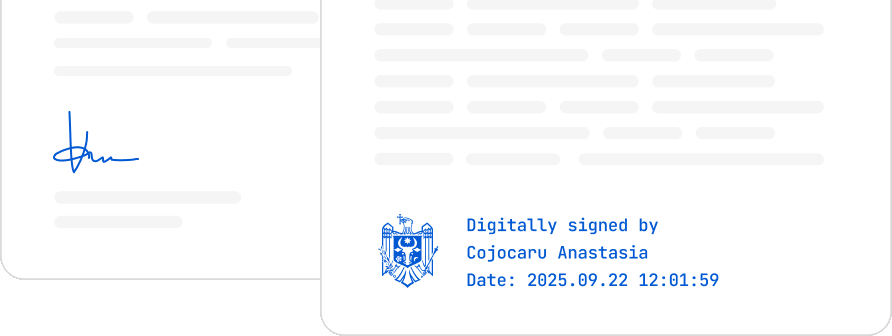
An electronic signature confirms your identity in the digital environment and has the same legal value as a handwritten signature.
  • Official recognition
  • Digital safety
  • Legal value

Why get an electronic signature?

For you
  • Access your digital documents
  • Use all digital public services in Moldova through EVO
  • Receive a Cultural Voucher worth 1,000 MDL at the age of 18
  • Submit your university admission file 100% online
  • Sign documents and contracts via the MSign platform
  • Grant authorizations through MPower
  • Authenticate across all government systems integrated with MPass and more
For your business
  • Start and manage your business online
  • Electronically sign contracts, invoices, and official documents
  • Quickly assign representation rights through MPower
  • Fill in reports and submit declarations
  • Access Moldova’s digital services through EVO
  • Digitalize internal processes through electronic signing and integration with MSign and other platforms

How to obtain an electronic signature

To get an electronic signature, all you need is your identity card. Then, simply choose the option that suits you best — a mobile signature, USB token, or identity card. Here are the easy steps for each option:
Decorative Picture

Get your mobile signature from Orange or Moldcell and use it to log in and sign documents directly from your phone — even if you use an eSIM. The signature is valid for 2 years from activation, and the service cost is set by each operator according to their own pricing plans."

Type
Qualified signature
Operated by
Information Technology and Cyber Security Service (STISC)
  • Go to a mobile operator
    Visit one of the mobile operators and request the activation of the mobile signature service in your name.
  • Present your ID
    The operator will verify your identity and help you complete the required documents.
  • Receive a new SIM card (if needed)
    You will receive a new SIM card (only if necessary), where your electronic signature will be installed.
  • Set up your PIN code
    Choose a personal PIN code, which you’ll use to authorize each electronic signing action from your phone.
  • Quick activation
    Within minutes, the service will be activated on your SIM card — you’ll receive an SMS confirmation.
  • Your signature is now active

With the new identity card, you can have an electronic signature already included. You can use it free of charge for signing, authentication, and accessing digital public services without additional costs. The fees and service terms for issuing the identity card vary depending on the type of application and the chosen processing time.

Type
Qualified signature
Operated by
Information Technology and Cyber Security Service (STISC)
  • Schedule an appointment to submit your application
    Schedule an appointment at the Public Services Agency or abroad at the diplomatic missions and consular offices of the Republic of Moldova.
    See details
  • Apply for an electronic identity card
    At the counter, submit your application for the new chip-based document and request the activation of your electronic signature.
  • Collect your document, card reader, and access codes
    When collecting your identity card, you will receive a card reader and two codes (PIN/PUK) linked to your electronic signature stored on the chip.
  • Install the application and required drivers
    For the first use, install the electronic signature software and the driver for your card reader.
    Download the application
  • Activate and use your signature
    Follow the instructions, insert your identity card into the reader, enter the received PIN code, and activate your electronic signature.
  • Your signature is now active

Use the electronic signature stored on a USB stick to sign documents directly from your computer. The service fees, terms, and signature validity period are set by the Information Technology and Cyber Security Service.

Application fee
485 lei/valid for 2 years
Time
10-15 minutes
Service fee
Free
  • Submit your application at one of the registration centers
    Request a USB token from STISC or from authorized partners. See the full list on semnatura.md.
    Schedule an appointment
  • Present your ID and sign the contract
    If you apply in person, sign the request form on the spot; if you apply online, complete the digital form and sign it when collecting the device.
    Complete the application
  • Receive your USB stick
    It comes with an initial PIN code and user instructions.
  • Install the application and necessary drivers
    Install the application and necessary drivers
    Download
  • Activate the token and sign
    Insert the stick into your computer’s USB port, open the signing application, and enter the received PIN code to access your digital certificate.
    Important: at first use, change the initial PIN code to one known only to you. This ensures that your electronic signature remains secure.
  • Your signature is now active

EVOSign Pilot

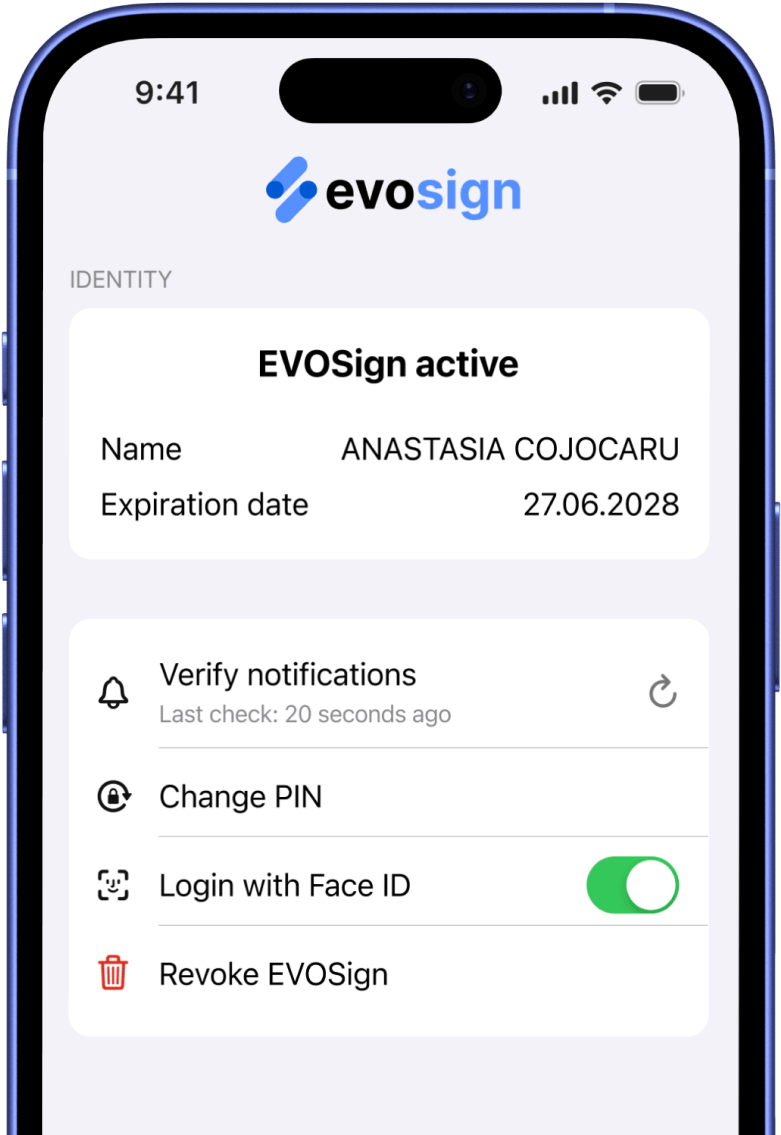
With the mobile app, you can quickly log in to government platforms, and soon you’ll also be able to sign documents.

Începe înregistrarea pe evosign.gov.md sau descarcă și urmează pașii din aplicație.

În curând, disponibilă și pentru semnare!

Pentru întrebări legate de EVOSign, scrie-ne la suport@egov.md
Barcode
Download the EVOSign app for free
Available on
EVOSign app on App Store EVOSign app on Google Play
Preview

Where can you use your electronic signature?

Sign documents on MSign
Access EVO — app or web
Start a business, authorize actions, and perform online transactions
Submit documents, access online services, and file petitions.

Frequently Asked Questions

Find answers to the most common questions about the platform and how to use it.

Having issues with your electronic signature?

According to Government Decision No. 414 of 08.05.2018, the Information Technology and Cyber Security Service (STISC) ensures the issuance and management of electronic signatures nationwide.
STISC is the official provider of qualified electronic signatures. Whether you use a mobile signature, identity card, or USB stick, you receive direct support to quickly resolve any issue.